MEDical Images analysis with Machine Learning
An all-in-one open-source software designed to enhance synergy between computer scientists and clinical researchers in the field of radiomics. Transform medical images into insightful knowledge: explore, analyze, and extract with MEDiml.



Transform Medical Images into Insights
Watch our introduction video to learn how MEDiml streamlines radiomics analysis with its powerful dual-component architecture.
Code-Free Interface
Intuitive drag-and-drop interface for medical image analysis
Python Package
Flexible code-based solution for advanced customization
IBSI Compliant
Adheres to international radiomics extraction standards
The research behind MEDiml
Explore the methodology that powers MEDiml—published on arXiv and developed to simplify radiomics predictive modeling.
Unraveling Radiomics Complexity: Strategies for Optimal Simplicity in Predictive Modeling
The high dimensionality of radiomic feature sets and potentially high computational requirements underscore the need for an effective method to identify the smallest set of predictive features. This work develops a methodology and tools—MEDiml—to identify and explain the smallest set of predictive radiomic features across five cancer datasets (n=2,104), estimating the optimal radiomics complexity level for specific medical outcomes.
If the PDF does not load in your browser, use Download PDF or view it on arXiv.
From Images to Insights
Load medical images, configure extraction parameters, extract IBSI-compliant radiomics features, train models, and export results—all in one platform.
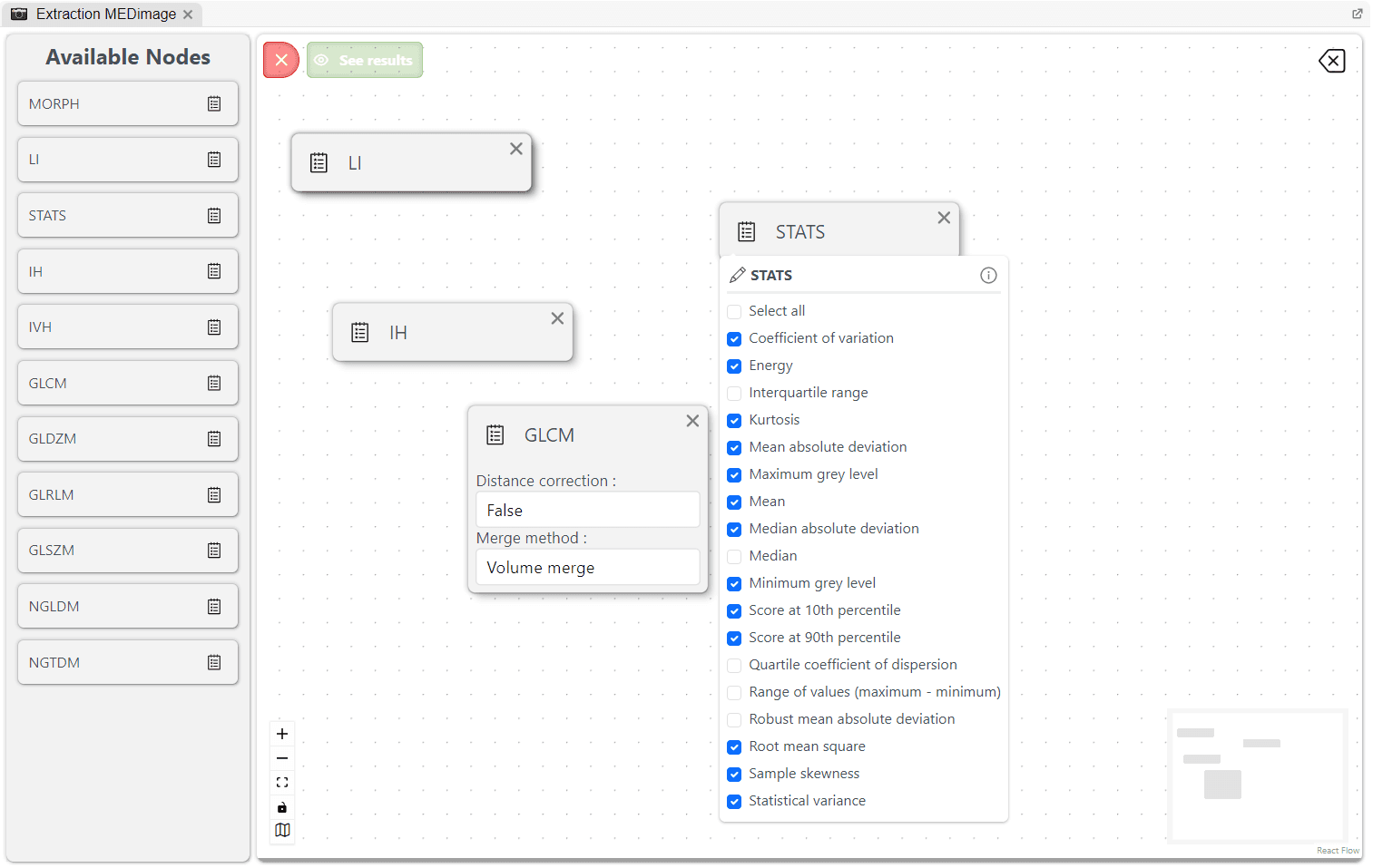
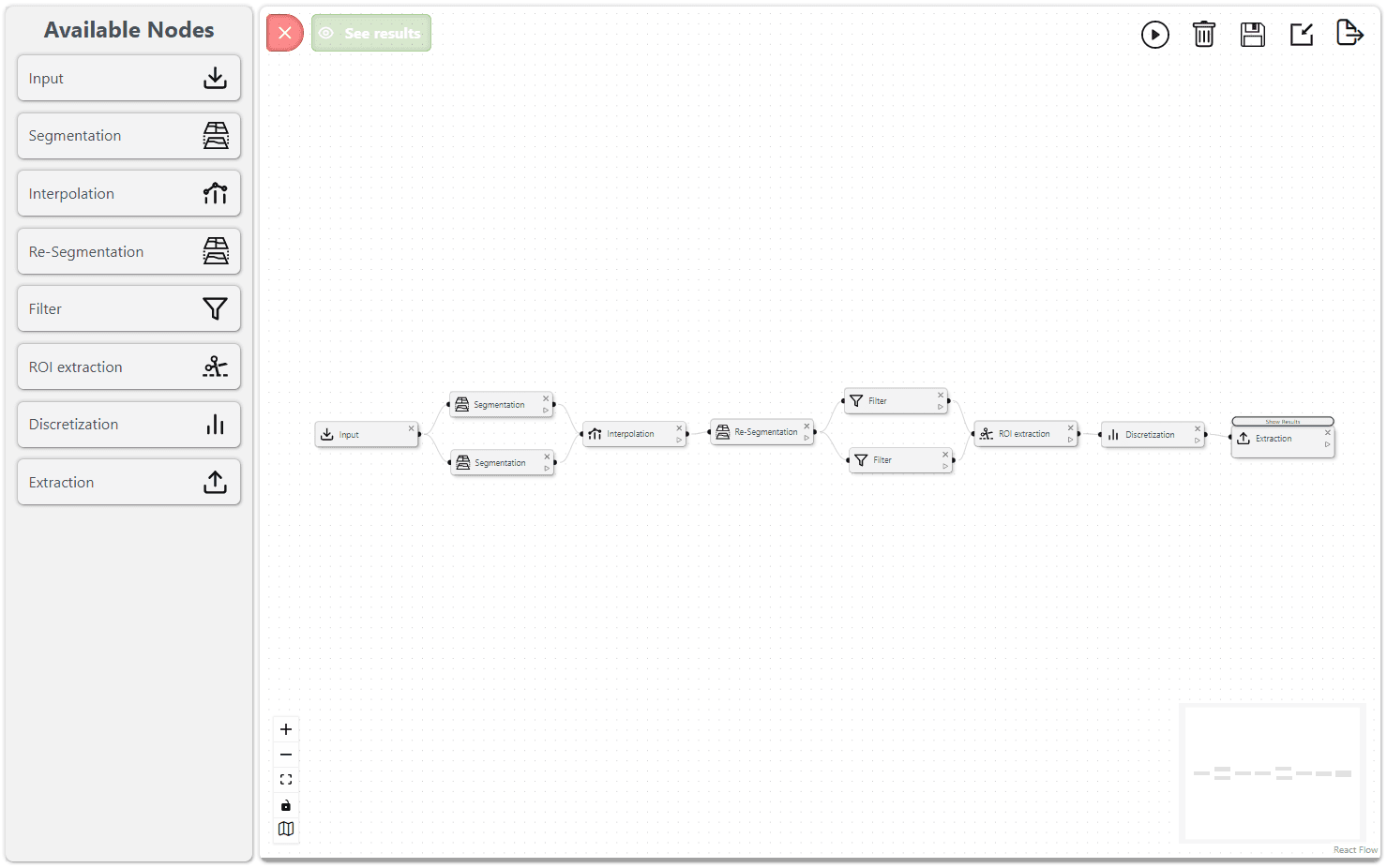
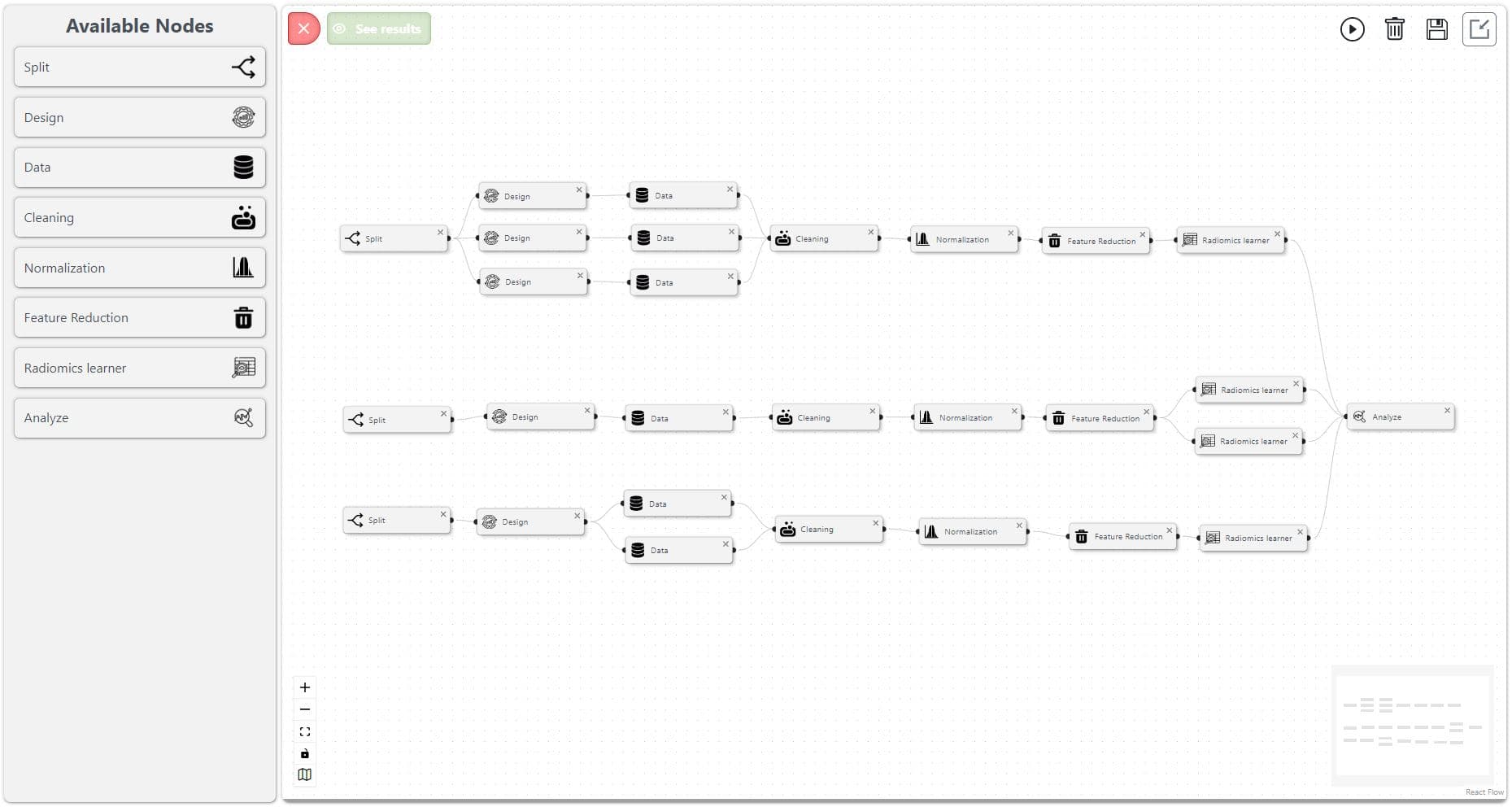
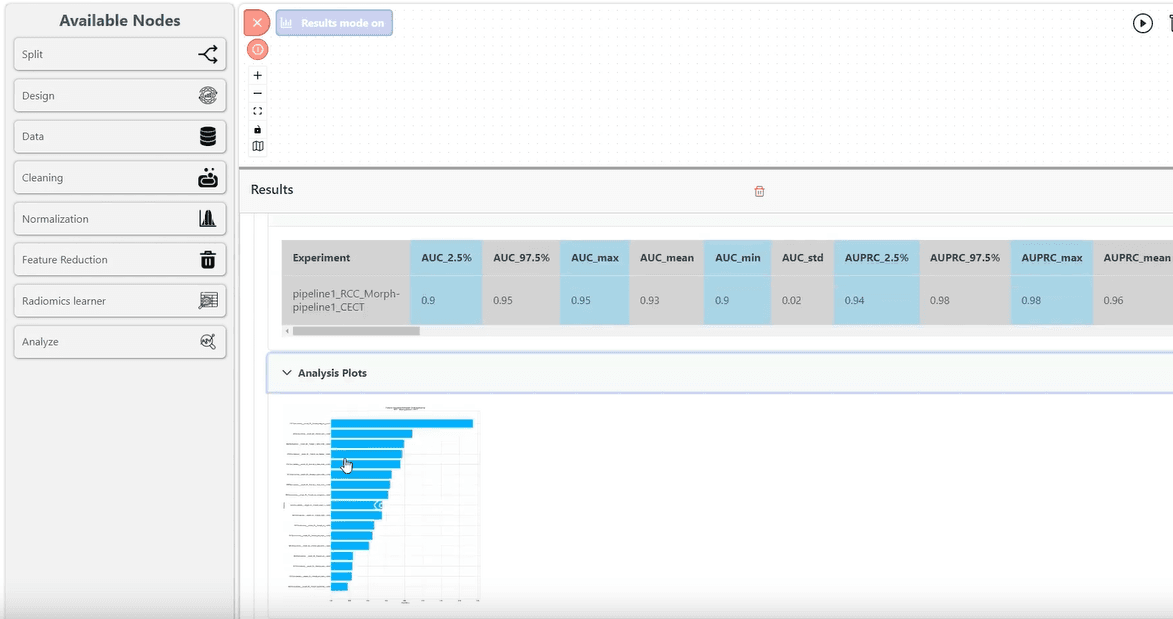
Radiomics Analysis in 4 Steps
Load images, configure extraction, extract IBSI-compliant features, and train models for clinical insights.
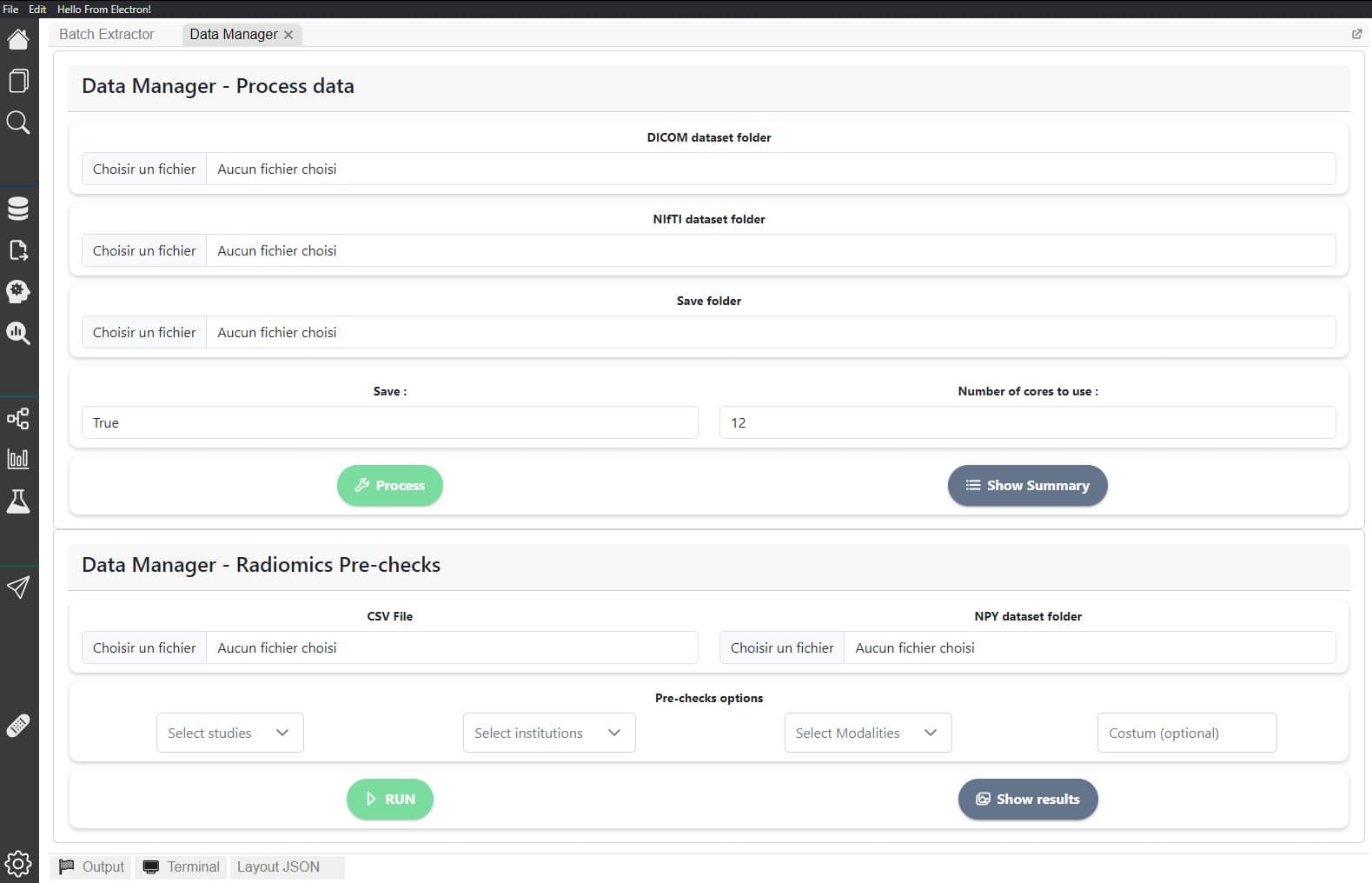
Load Medical Images
Import DICOM or NIfTI scans with their segmentation masks into MEDiml.
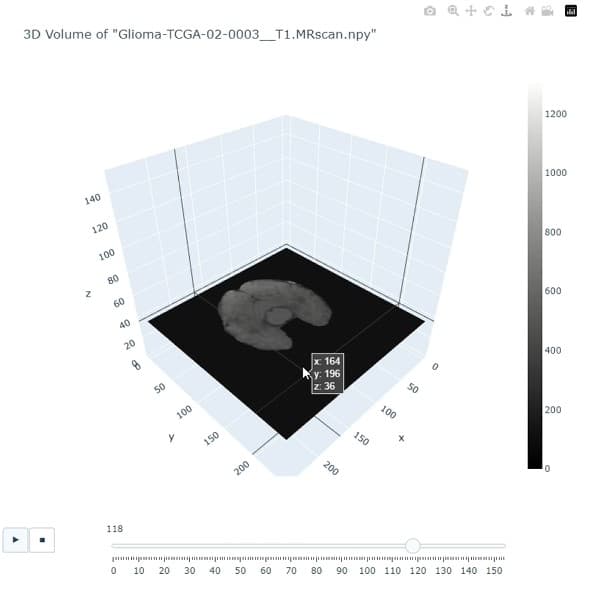
Configure & Extract
Set up radiomics feature extraction parameters and run feature extraction on single scans or entire datasets.
Train & Export
Build predictive models and export results for clinical research.
Generate Code
Turn your graphical workflow into executable code for reproducibility and collaboration.
Analyze your images now
Use MEDiml as a Python package or install the desktop application. No Python knowledge required — enjoy an all-in-one interface for medical image analysis with drag-drop style feature extraction and model training.
pip install MEDimlRequires Python 3.8+. Compatible with DICOM and NIfTI formats. Adheres to IBSI international standards.
from MEDiml import MEDiml
import json

# Load extraction parameters
with open("extraction_params.json") as f:
    params = json.load(f)

# Initialize MEDiml with a scan
med = MEDiml()
med.init_from_nifti(
    path_to_nifti="path/to/scan.nii.gz",
    path_to_roi="path/to/mask.nii.gz"
)

# Extract radiomics features (IBSI-compliant)
features = med.extract_features(params)
print(features)Learn MEDiml-app with Guided Videos
Watch the full MEDiml Desktop App playlist for a step-by-step introduction, from loading medical images and radiomics feature extraction to model training and results analysis.
MEDiml App - Complete Tutorial Playlist
Full playlist with step-by-step tutorials for the MEDiml desktop application.
Learn to use the Python library, step by step
Follow focused, practical guides to get MEDiml python library running — from pip install to radiomics feature extraction and model training.
Install MEDiml (Python)
Set up a virtual environment and install MEDiml via pip in minutes.
Open tutorialPrepare your data
Prepare and organize your DICOM and NIfTI scans with segmentation masks.
Open tutorialMachine Learning
Train and evaluate machine learning models using the extracted features.
Open tutorial